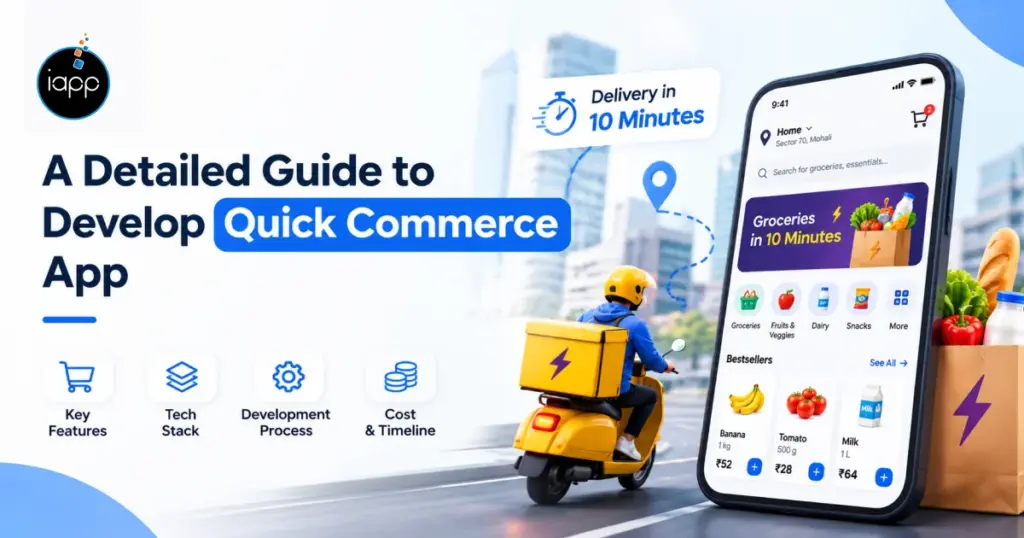
A customer ordering groceries expects more than a delivery promise. They expect accurate stock, quick checkout, and timely delivery. Businesses need the right technology to meet these expectations.
Quick commerce app development involves building customer, delivery, inventory, and admin systems. These systems support real-time tracking and automated order management. This guide covers features, technology, development steps, costs, and business models.
According to McKinsey’s 2026 grocery report, 70% of consumers prefer grocery delivery. Convenience is a major reason behind this preference.
A quick commerce app delivers groceries and essentials quickly. It connects shoppers with nearby stores or fulfillment centers. Unlike traditional eCommerce, it focuses on shorter delivery windows.
The model usually relies on dark stores or local inventory. These facilities keep popular products close to customers. This reduces picking time and delivery distance. Popular examples include Gopuff, DoorDash, and Instacart. Each serves different local shopping and delivery needs.
A quick commerce platform coordinates orders, inventory, and delivery. Each step must update the system in real time.
For example, a customer orders milk and snacks. The system checks nearby stock before confirming the order. Staff prepare the items while a rider receives dispatch details.
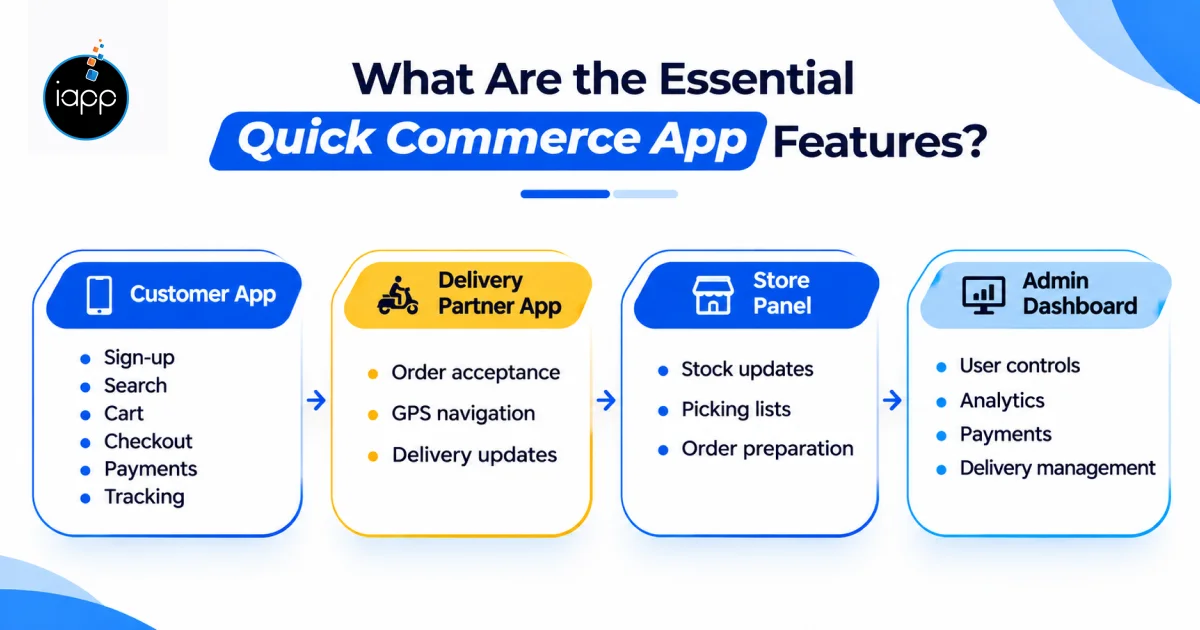
A successful platform needs four connected interfaces. Each interface supports a different part of fulfillment.
Useful additions include product substitutions and refund handling. Push notifications should also report important order changes.
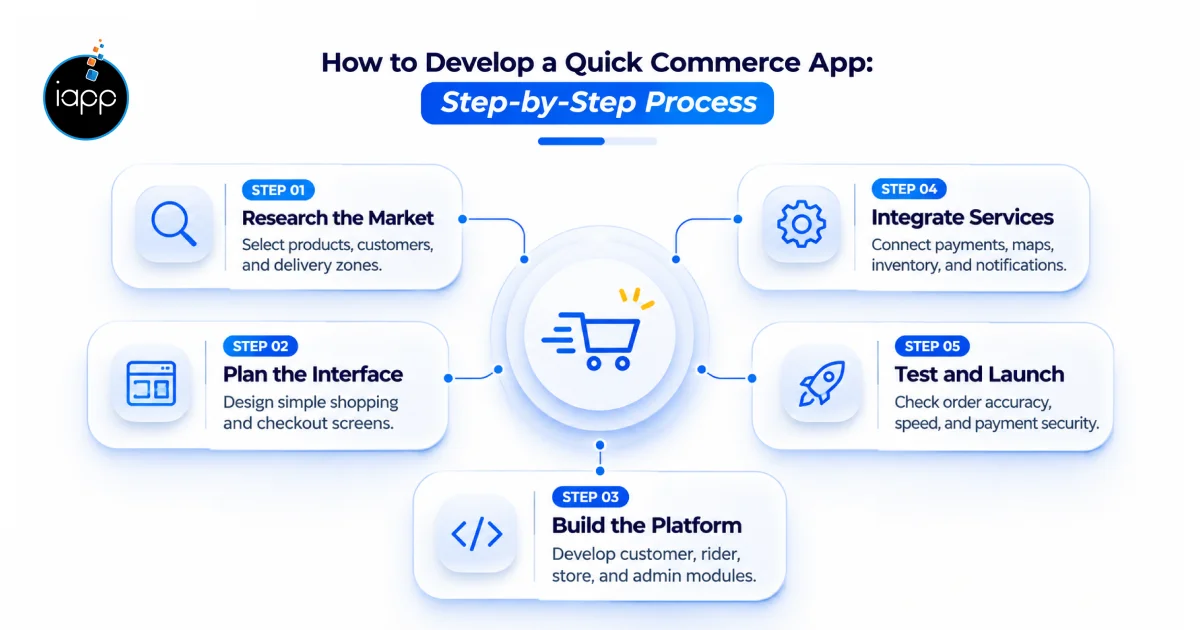
The quick commerce app development process starts with business planning. It then moves through design, engineering, testing, and launch.
A practical MVP can take around 12 to 16 weeks. This assumes a focused feature set and one launch market. Complex integrations or multiple platforms may extend delivery.
The right technology stack supports reliable ordering and live updates. Choose tools based on scale, integrations, and team skills.
| Layer | Suggested technology | Main purpose |
|---|---|---|
| Mobile app | Flutter or React Native | iOS and Android apps |
| Backend | Node.js or Python | Orders and business logic |
| Database | PostgreSQL or MongoDB | Customer and inventory records |
| Cloud | AWS or Google Cloud | Hosting and scaling |
| Maps | Google Maps Platform | Location and route services |
| Payments | Stripe or PayPal | Secure payment processing |
For live order updates, consider WebSockets. Use Firebase Cloud Messaging for push notifications. Apply role-based access to protect business data.
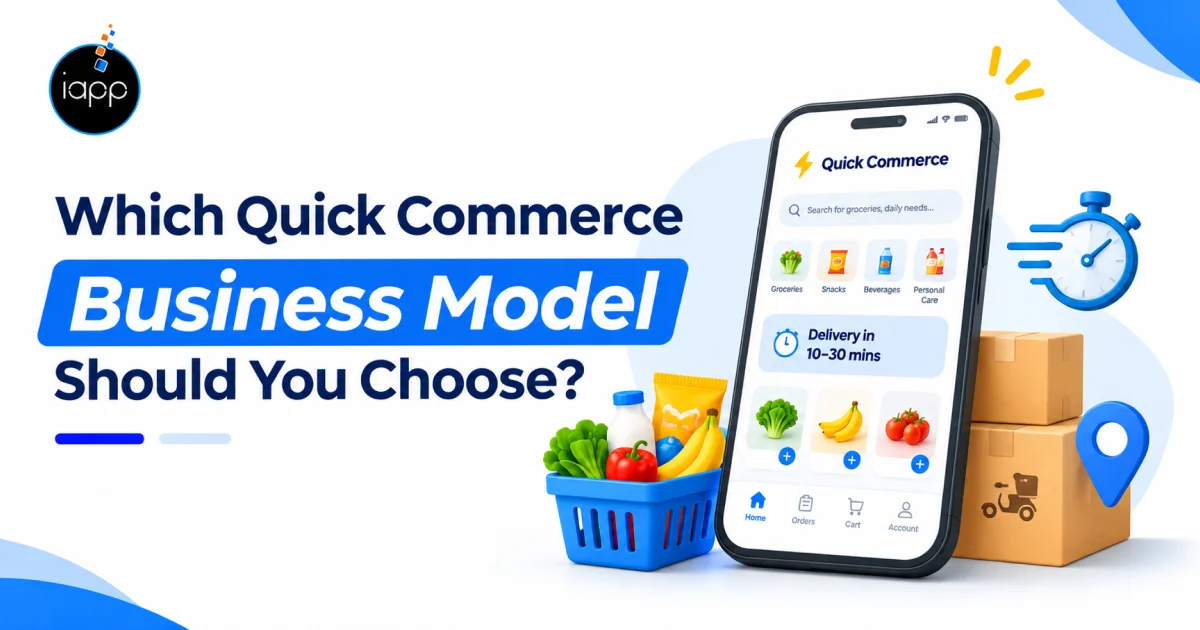
Your quick commerce business model determines inventory ownership. It also affects investment, control, and daily operations.
| Model | Inventory ownership | Indicative investment Control |
|---|---|---|
| Inventory-led | Business-owned | $75K to $200K+ High |
| Marketplace | Retailer-owned | $40K to $100K+ Moderate |
| Hybrid | Shared | $60K to $150K+ Flexible |
These are illustrative planning estimates, not market quotations. Actual costs depend on location, inventory, staffing, and technology.
An inventory-led model suits retailers with warehouse capacity. A marketplace suits startups partnering with local stores. A hybrid model combines both approaches.
The quick commerce app development cost depends on features and integrations. A focused MVP costs less than an enterprise platform.
| Platform scope | Estimated development cost | Estimated timeline |
|---|---|---|
| Basic MVP | $25,000 to $45,000 | 12 to 16 weeks |
| Mid-scale platform | $45,000 to $90,000 | 16 to 24 weeks |
| Enterprise platform | $90,000 to $180,000+ | 24 to 36 weeks |
These estimates cover software development, not business operations. Dark stores, inventory, rider salaries, and marketing cost extra.
Other cost factors include payment fees and cloud hosting. Maps, SMS, support, and maintenance add recurring expenses. Start with essential features, then expand using customer data.
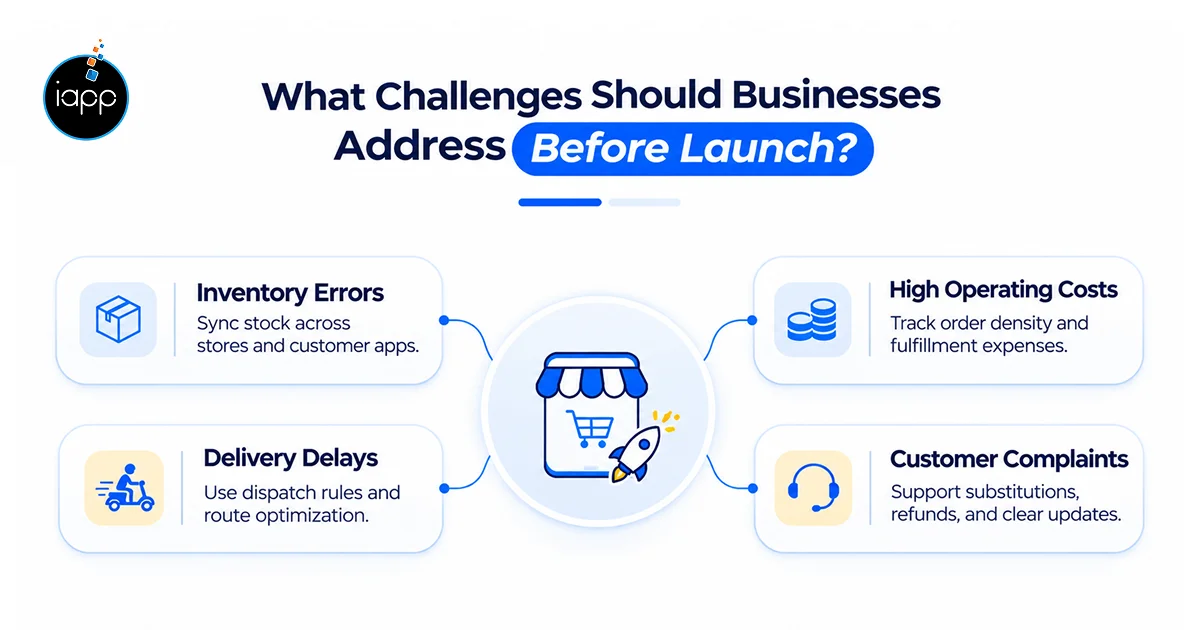
Quick delivery depends on more than app speed. Businesses must manage operational problems from the beginning.
Consider a retailer serving one US neighborhood. It can begin with one fulfillment center. Track order volume before adding another delivery zone.
Expert insight: Plan inventory before building advanced delivery features. An app cannot promise unavailable products accurately. Start by syncing POS and warehouse stock. Then test picking time and rider assignment. This sequence prevents expensive changes after launch.
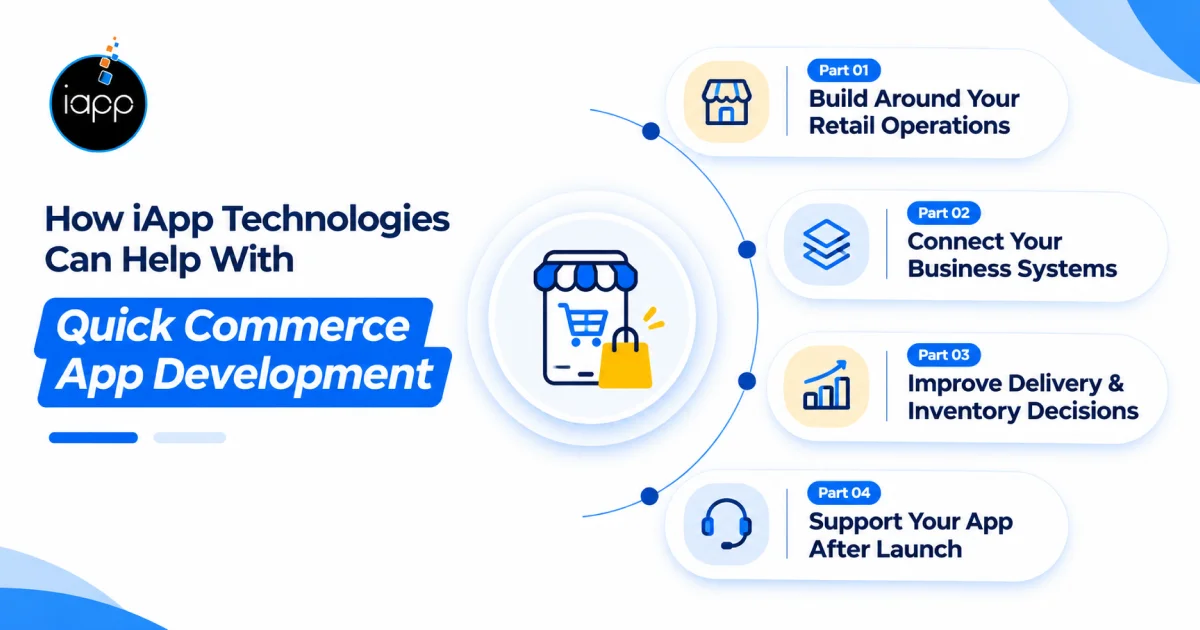
At iApp Technologies, we build custom mobile applications. We can tailor quick commerce app development to your operations. Our approach covers product planning, integrations, and ongoing support.
We develop applications around your chosen business model. Our solutions can support multiple stores and vendors. We also plan separate access for each user role.
We can integrate your platform with existing tools. These may include POS, ERP, CRM, and payment systems. Centralized data helps teams manage daily orders.
We can build features for order assignment and tracking. Custom analytics can help monitor stock and demand. Route integrations can support efficient delivery planning.
Our team can assist with testing and deployment. We also provide maintenance and technical updates. This helps your platform adapt as operations grow.
If you need grocery delivery app development or instant delivery app development, we can plan suitable modules. Our team can also discuss quick delivery app development requirements.
Successful quick commerce app development requires more than fast checkout. It needs accurate inventory, reliable dispatch, and clear operations.
At iApp Technologies, we develop custom mobile solutions. We can help plan your platform around business needs. Our team can discuss integrations, features, and delivery requirements.
It can be profitable with strong order density and repeat purchases. Margins depend on delivery costs, basket size, and inventory control.
Quick commerce often uses nearby stocked fulfillment centers. Hyperlocal delivery can connect customers with existing local retailers.
A dark store is a fulfillment facility for online orders. It does not operate as a regular customer-facing shop.
A focused app MVP may take 12 to 16 weeks. Store setup, hiring, and partnerships require additional time.
Yes, a marketplace model connects customers with local retailers. Retail partners manage stock and fulfill customer orders.
They earn through product margins, delivery fees, and commissions. Subscriptions and sponsored product placements add revenue.
Support credit cards, debit cards, Apple Pay, and Google Pay. Stripe or PayPal can help process online payments.
Real-time inventory sync helps prevent unavailable product listings. Substitution approval and refunds resolve unexpected stock issues.
 Jagwinder Singh
Wait! Before you go…
Talk to our experts and turn your ideas into powerful digital solutions.


 Trusted by 1000+ businesses

Fill out the form and our team will get back to you shortly.