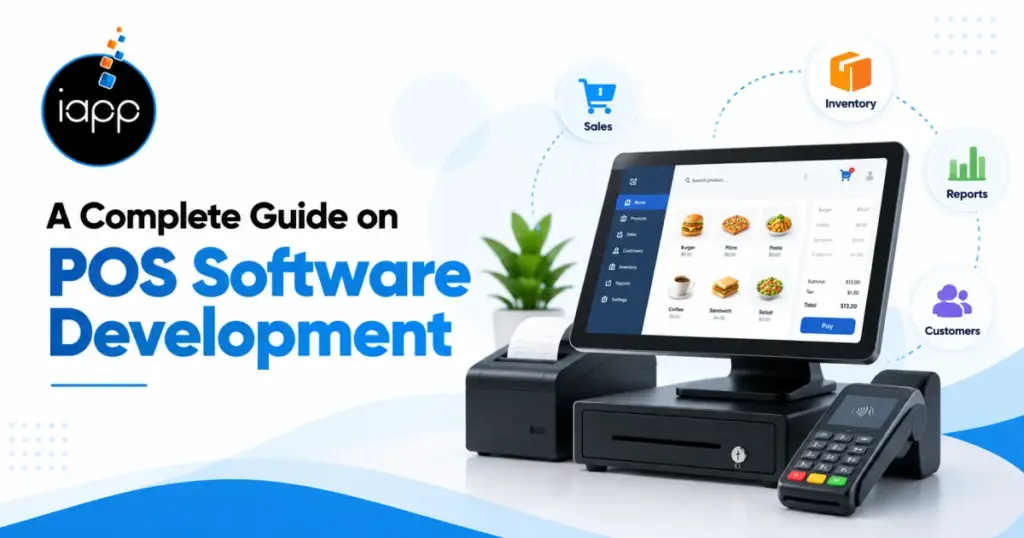
Imagine a store where checkout queues are a bit lengthy and inventory records don’t match real stock. Customers may get irate, and sales may be slowed by these problems. A well-designed point-of-sale system facilitates quicker payment processing, precise inventory tracking, and more effective day-to-day operations management for businesses.
Creating software for sales, payments, inventory, and reporting is known as POS software development. It aids companies in tracking product availability and handling transactions. Additionally, teams can monitor sales performance and maintain customer information on it. Business data is kept connected through integrations with e-commerce platforms and accounting software.
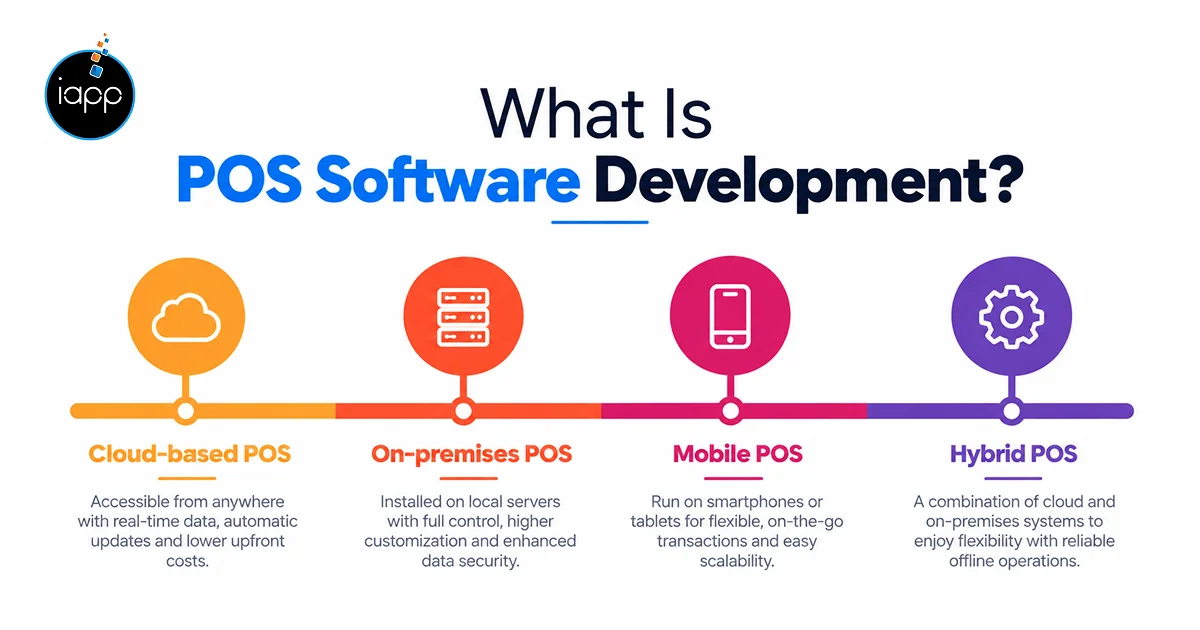
POS software development entails building a system to handle transactions and process sales. Additionally, it may link company reports, customer information, and inventories.
Typical POS system types are
Cloud-based POS: Use the internet to access sales data.
On-premises POS: Use local systems to store and handle data.
Mobile POS: Use tablets or phones to handle sales.
Hybrid POS: Integrate cloud services with local processes.
Standard demands are met by ready-made systems. On the other hand, custom POS software development meets certain company needs, processes, and integrations.
To speed up checkout, simplify stock management, and streamline reporting, businesses invest in point-of-sale (POS) systems. Additionally, companies with several locations can handle inventory and sales from a single dashboard.
In the second quarter of 2026, e-commerce made up 17.1% of all retail sales in the United States, according to the U.S. Census Bureau. This emphasizes how crucial it is to link online and in-store activities. Businesses can maintain consistent sales and inventory data by integrating a point-of-sale system with e-commerce platforms.
The size of the company, sales volume, and day-to-day operations all affect the POS software features. Begin with basic functions, then add features as needs increase.
| Feature | Purpose | Suitable Businesses |
|---|---|---|
| Billing and receipts | Record purchases and issue receipts | All businesses |
| Payment processing | Accept supported payment methods | Retail, restaurants |
| Inventory management | Track stock and product changes | Retail, grocery |
| Sales reports | Review revenue and sales trends | All businesses |
| Customer loyalty | Manage points and rewards | Retail, grocery |
| Multi-store management | Compare operations across locations | Chains and franchises |
| Employee permissions | Control access to system functions | Growing businesses |
Accounting software, e-commerce sites, barcode scanners, and payment processors may all be connected to a point-of-sale system. Duplicate data entry can be decreased by these integrations.
An organized POS software development process aids in controlling scope, cost, and testing. Here is how it works
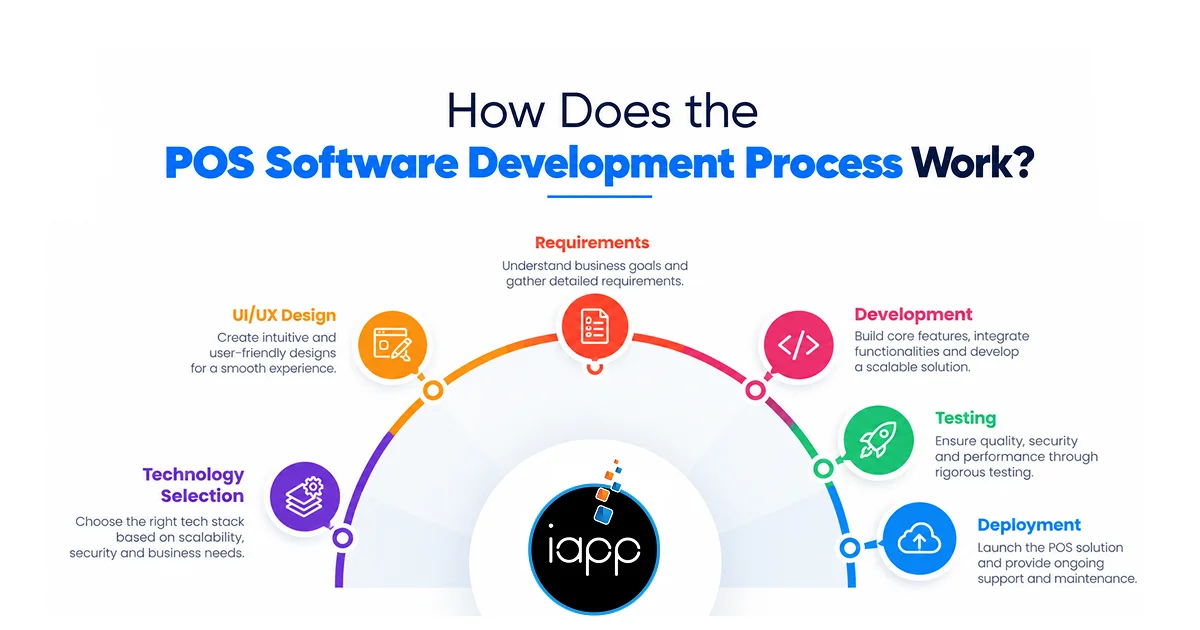
Define the requirements: Map user roles, reports, business rules, and checkout processes.
Plan the interface and technology: Design screens and choose the right tools.
Develop essential functions: Create payment, inventory, reporting, and billing integrations.
Examine the system: Verify the correctness of the data, devices, permissions, and transactions.
React, Next.js, Node.js, Laravel, PostgreSQL, Flutter, and React Native are examples of common technologies. Also, the required platforms and integrations determine the appropriate stack.
Expert opinion: Prior to launch, test offline transactions, unsuccessful payments, and network failures. Apart from this, verify that reconnecting doesn’t result in inaccurate stock records or recurrent charges.
Features, hardware, security, integrations, and the quantity of locations all affect the POS software development cost. Following are the estimated cost ranges, not fixed quotes.
| Project Type | Estimated Cost | Estimated Timeline |
|---|---|---|
| Basic MVP | $15,000–$40,000 | 2–4 months |
| Mid-level system | $40,000–$150,000 | 4–7 months |
| Enterprise system | $150,000–$500,000+ | 6–12+ months |
The cost to develop POS software can be affected by various factors. For instance, various payment options and intricate inventory rules can increase the overall development budget. Moreover, hosting, hardware, payment processing costs, support, and continuing maintenance are the additional parts of POS system development costs.
Products that are ready-made can cut down on setup time. But more control over workflows and integrations is possible with custom systems.
| Factor | Ready-Made POS | Custom POS |
|---|---|---|
| Initial cost | Usually lower | Usually higher |
| Launch time | Often faster | Depends on scope |
| Customization | Limited by plan | Built around requirements |
| Maintenance | Provider-managed, depending on plan | Requires an agreed support plan |
| Ownership | Governed by provider terms | Defined by contract |
Businesses can first explore pre-built solutions like Toast POS for restaurant operations or Square Point of Sale for retail. However, before making a decision, it is important to evaluate their features, costs, terms, and integrations.
Custom point of sale software development can be a preferable option if existing products are unable to handle your particular operations.
Prior to implementation, consider hardware compatibility, security, and dependability. Customer payments and day-to-day operations can be impacted by these choices.
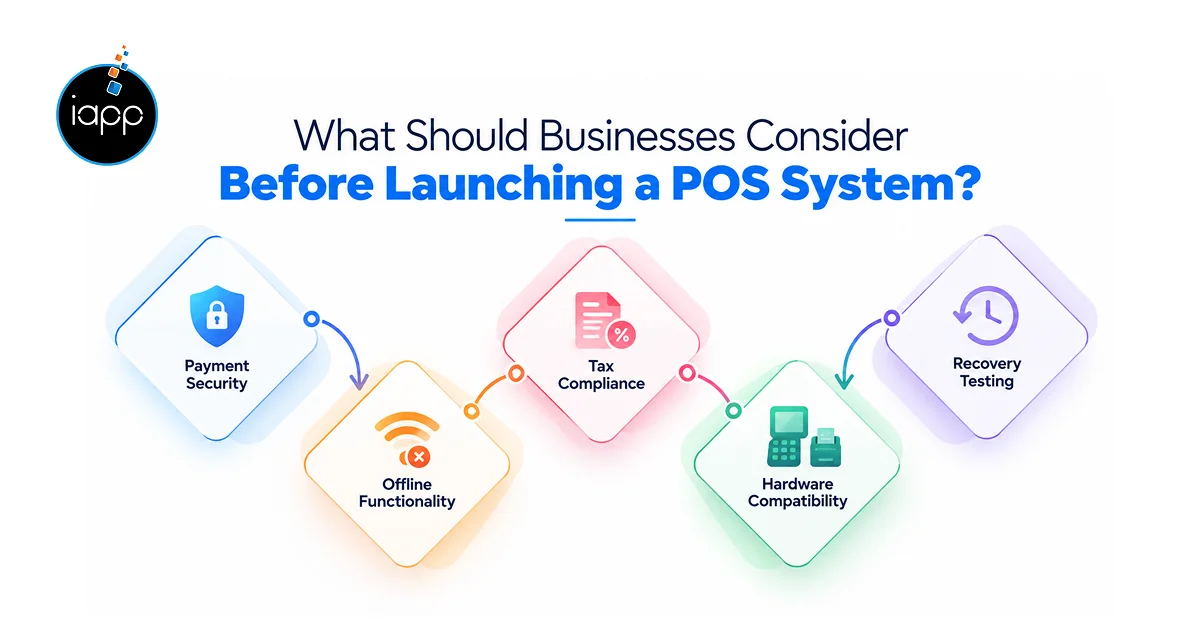
When preparing for payment security, check the resources provided by the PCI Security Standards Council. Consult your payment provider and compliance experts to confirm any applicable requirements.
Selecting the best POS software development company may assist in transforming business needs into a dependable solution. Custom POS software development can be planned by iApp Technologies based on your workflows, integrations, and expansion objectives.
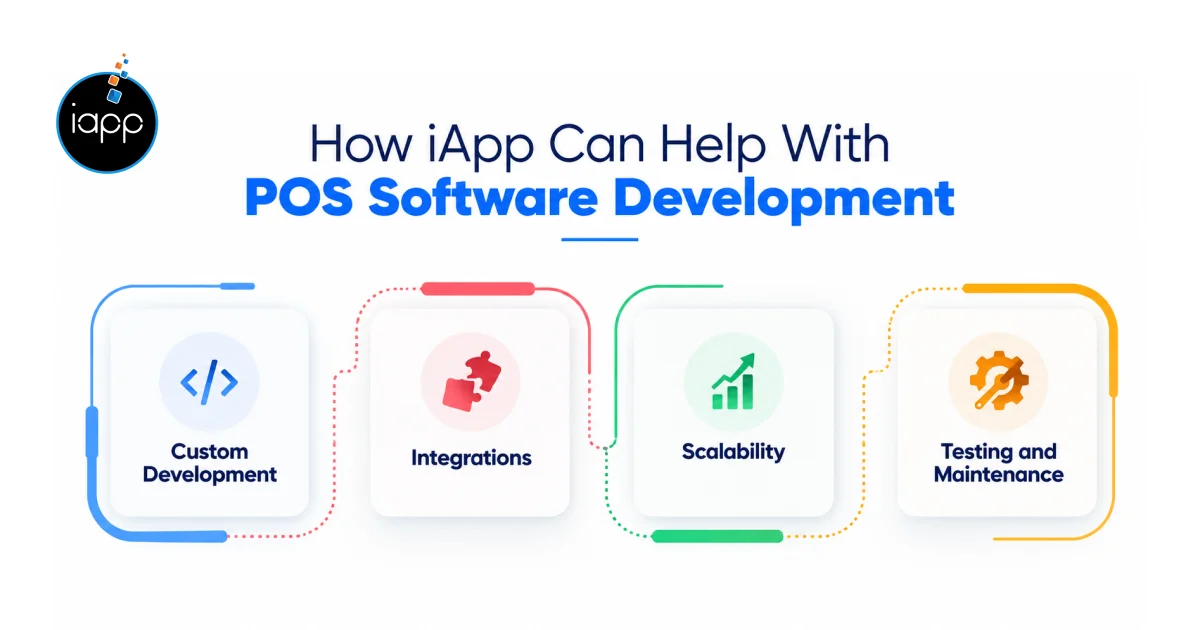
Our POS development services can cover workflows, user roles, inventory, and reporting requirements. We can plan custom POS system development for retail, grocery, restaurant, and hospitality businesses. This helps align core features with daily operations.
Point of sale software development often requires payment gateways, accounting tools, barcode scanners, and inventory integrations. We can define integration requirements and test data synchronization. This helps keep transactions and business records consistent.
A growing business may need centralized reporting, shared inventory, and additional user accounts. Our POS application development approach can account for these needs during planning. This helps reduce major changes as requirements expand.
A reliable POS system development company should consider testing and maintenance from the start. We can plan checks for payments, device compatibility, user permissions, and network interruptions. These steps support a more reliable launch and future updates.
Key Takeaways
Careful design, appropriate technology, and trustworthy testing are necessary for POS software development. Before evaluating expenses or selecting a development strategy, identify key characteristics. Compare pre-made solutions with custom options based on your company’s needs. Then make the right choice.
A well-defined plan lowers risks and promotes future expansion. iApp Technologies can help you plan POS software. Our development experts can build a custom system that maps to your specific needs.
A basic MVP may take 2–4 months. Larger systems need more time for integrations, testing, and deployment.
Yes. Offline support can allow selected transactions during outages. The system must sync records safely after reconnection.
Teams may use JavaScript, TypeScript, PHP, Java, or Swift. The choice depends on the platform and required features.
Options depend on your region, hardware, and payment methods. Confirm API support and transaction requirements with each provider.
Yes. Startups can build an MVP with essential features. They can add more functions as customer needs become clearer.
Yes. APIs or supported connectors can transfer sales, tax, and payment records. Data mapping helps keep records consistent.
Ownership depends on the development contract. Define source-code rights, intellectual property, access, and licensing before work begins.
Maintenance includes security patches, backups, monitoring, bug fixes, and compatibility updates. Regular testing helps keep transactions reliable.
 Jagwinder Singh
Wait! Before you go…
Talk to our experts and turn your ideas into powerful digital solutions.


 Trusted by 1000+ businesses

Fill out the form and our team will get back to you shortly.