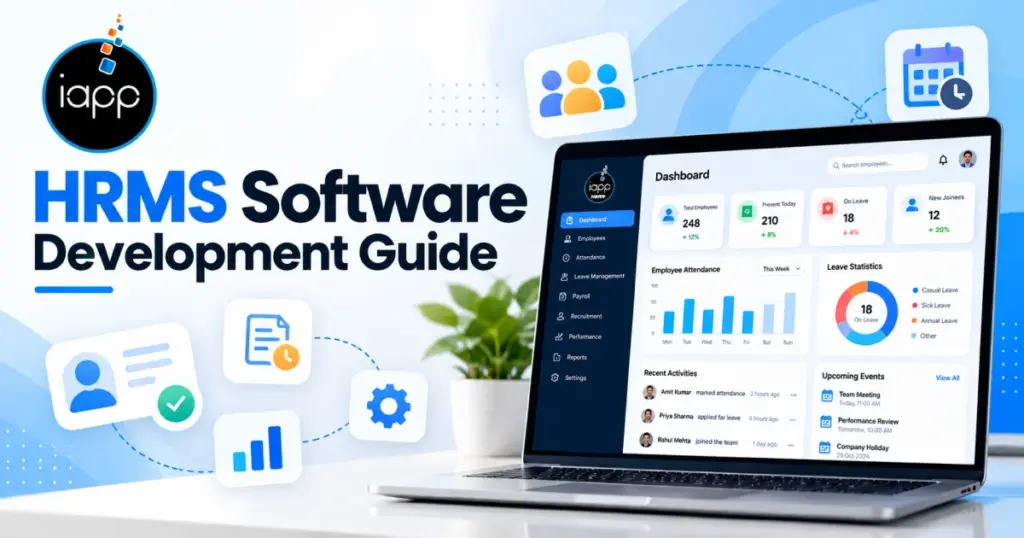
HR teams can quickly outgrow spreadsheets and disconnected HR tools. Employee data may sit across several systems and files. This makes approvals, reporting, and updates harder to manage. A centralized HRMS brings these workflows into one system.
The demand for better HR software is also growing. 67% of HR leaders plan to increase software spending in 2026. That finding comes from a survey of 1,000 HR professionals. HRMS software development helps centralize core HR operations. It covers planning, design, development, testing, and deployment. This guide covers features, costs, technology, integrations, and development steps.
HRMS platforms centralize employee and workforce operations. They also reduce repeated administrative work for HR teams. Many companies still use separate systems for HR tasks.
Payroll may use one platform.
Recruiters may use another platform. Managers may use spreadsheets for approvals. This creates duplicate records and manual updates. It can also slow down workforce reporting.
That is where HRMS software development becomes useful. A centralized system can connect these separate workflows. It can also support role-based access and automated approvals.
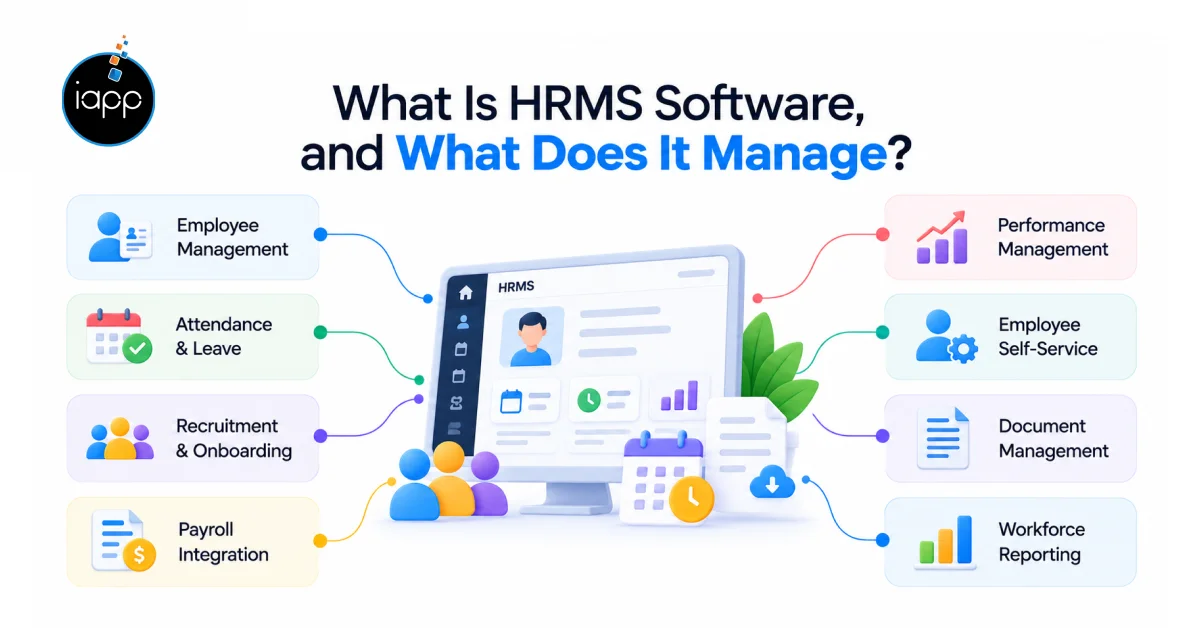
HRMS software manages employee and workforce processes. It connects HR data, workflows, users, and reports.
Typical HRMS functions include:
HRMS differs from HRIS and HCM platforms. The difference usually comes down to scope.
| Platform | Main Focus | Typical Use |
|---|---|---|
| HRIS | Employee data | Core HR administration |
| HRMS | HR operations | HR management and automation |
| HCM | Workforce strategy | Enterprise talent management |
The right platform depends on business requirements. It also depends on workforce size and existing systems.
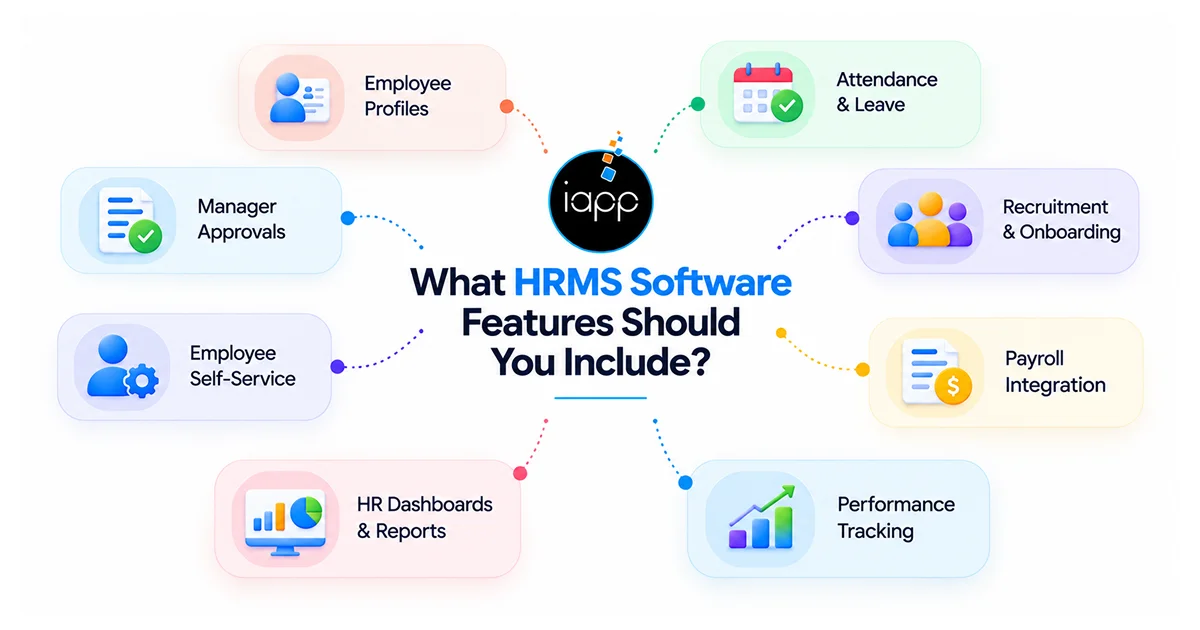
The right features depend on your HR workflows. Start with essential functions before adding advanced tools.
Important HRMS software features include:
Mobile access can support employees outside offices. Managers can approve requests from their phones. AI can support selected HR tasks too. Examples include resume matching and policy assistants.
However, every feature needs a clear business reason. Adding features without usage goals increases project cost.
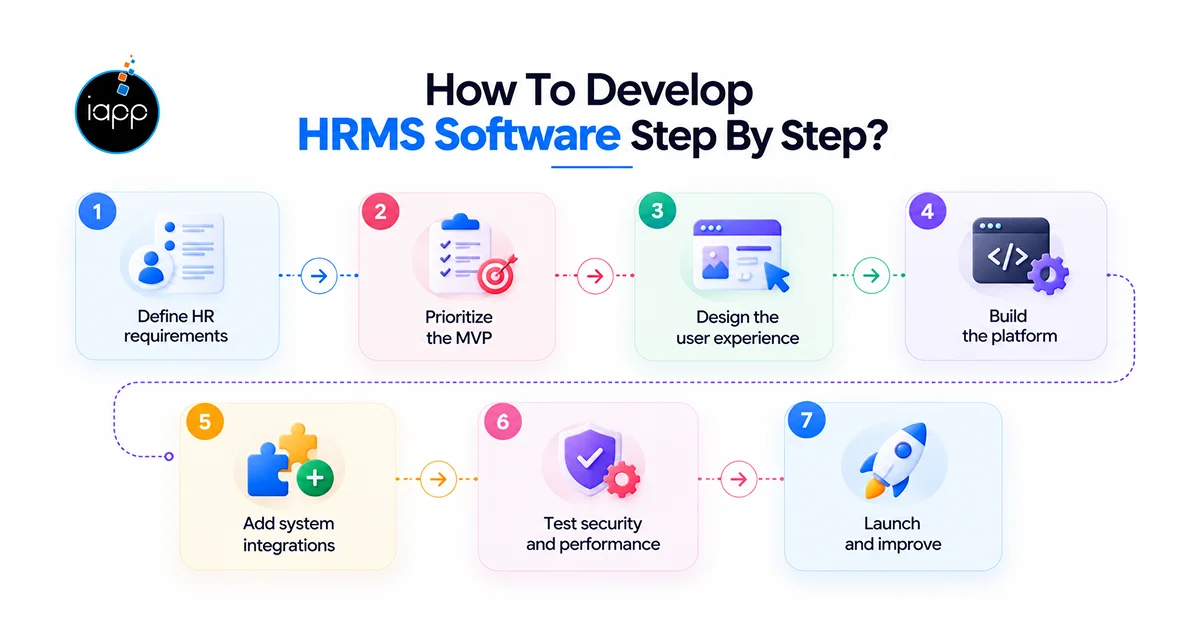
The HRMS software development process should follow clear stages. Each stage should reduce technical and business risks.
Map current HR workflows and approval processes. Identify users, roles, integrations, and reporting needs.
Start with the most important HR workflows. Avoid building every module during the first release.
Create simple interfaces for employees and managers. Keep frequent actions easy to access.
Develop the frontend, backend, database, and APIs. React or Next.js can support the web interface. Node.js, Python, or Laravel can support backend services.
Connect payroll, accounting, ATS, and attendance platforms. Add SSO when centralized authentication is required.
Test permissions, APIs, workflows, and data protection. Also test performance with realistic user volumes.
Release the MVP and monitor actual usage. Then prioritize improvements using user feedback and data.
This explains clearly how to develop HRMS software practically. It also keeps development focused on business outcomes.
The technology stack depends on system requirements. There is no single stack for every HRMS project.
A practical stack can include:
Larger systems may need modular architecture. That makes future module additions easier. The architecture should also support growing employee records. It should handle higher traffic without major redesigns.
HRMS software development cost depends on project scope. Modules, integrations, security, and AI affect the budget.
A practical planning range can look like this:
| HRMS Scope | Estimated Cost | Estimated Timeline |
|---|---|---|
| MVP HRMS | $40,000 to $80,000 | 3 to 5 months |
| Mid-level HRMS | $80,000 to $150,000 | 5 to 8 months |
| Enterprise HRMS | $150,000+ | 8 to 12+ months |
These figures are planning estimates only. Actual pricing depends on project requirements. The HRMS software development cost in USA can vary widely.
Several factors influence the final development budget:
A focused MVP can reduce the initial investment. Additional modules can follow after validation.
Integrations connect HRMS software with existing systems. They also reduce repeated data entry across departments.
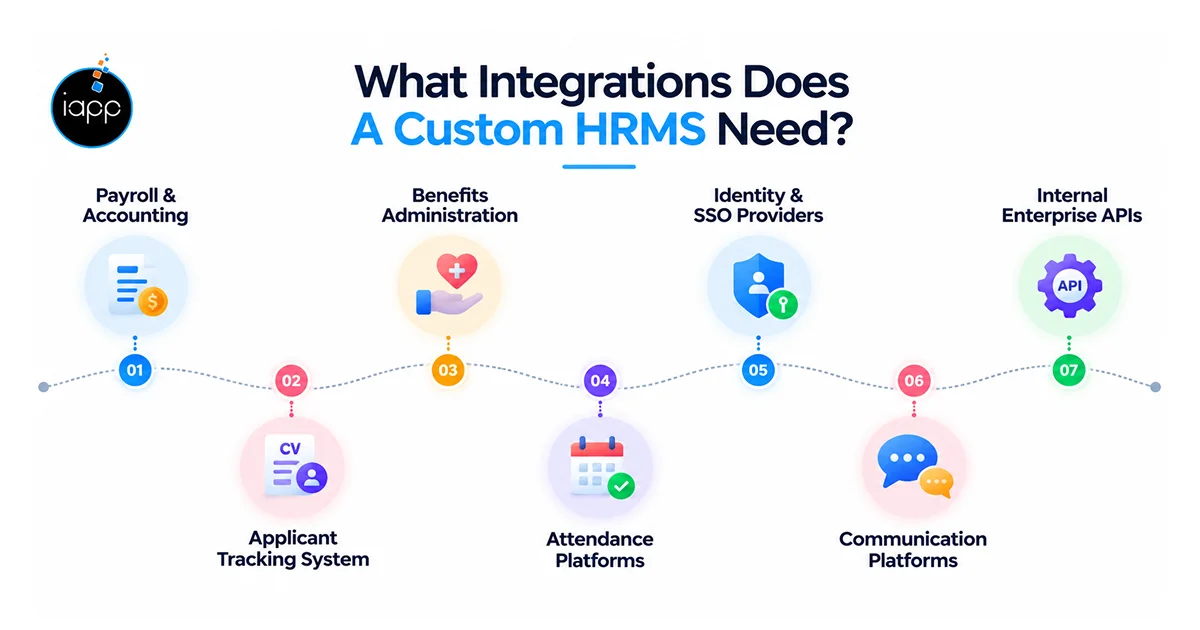
Common integrations include:
Integration planning should start before development begins. Late integration changes can increase development time. For example, payroll data needs consistent employee identifiers. API permissions must also protect sensitive employee information.
AI can support repetitive HR tasks and employee assistance. It should not replace human judgment in sensitive decisions.
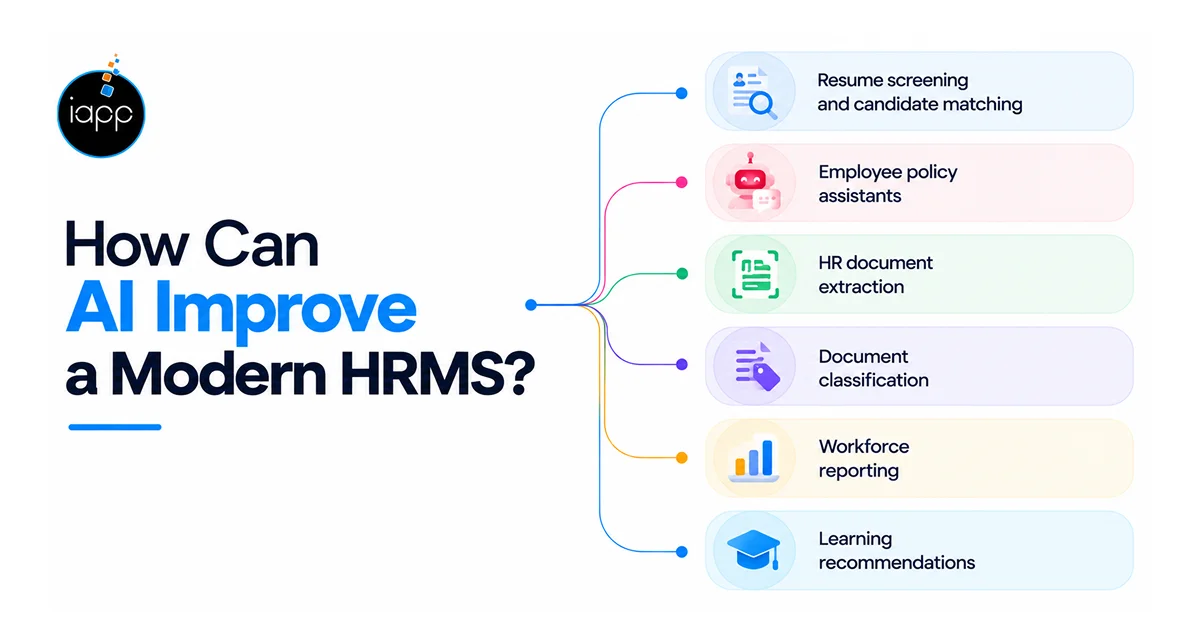
Useful HRMS applications include:
SHRM reports 39% currently use AI within HR. Recruiting leads current HR AI adoption at 27%. That shows practical HR use cases are growing. Still, AI governance should remain part of development.
Use access controls for sensitive HR information. Keep audit logs for important automated actions. Add human review for high-impact employment decisions.
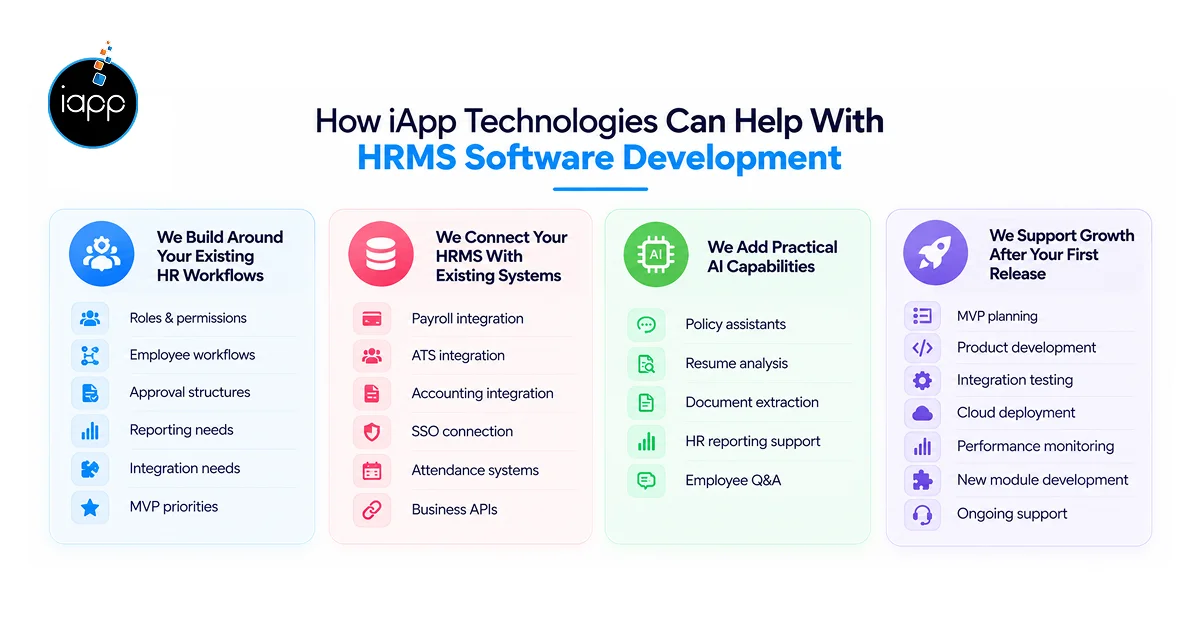
We help businesses turn HR requirements into software. Our approach focuses on workflows, integrations, and scalability. We can support HRMS development services across several stages. Our team can also handle custom software requirements.
We first map your current HR operations. Then, we identify the biggest workflow gaps.
Our planning can cover:
This approach supports custom HRMS development without unnecessary modules.
Your HRMS may need several external connections. We can build APIs for those existing systems.
Our HRMS software development solutions can support:
The goal is simple. Your HR team should avoid entering data twice.
We can add AI where it supports clear HR tasks. Examples include employee assistants and document processing.
Our HRMS development services can include:
An HRMS rarely ends with its first release. New teams may need additional modules later. Our HRMS software development company approach supports phased growth.
We can help with:
For US businesses seeking an HRMS software development company USA,
we can support custom enterprise software requirements. Our team also provide HRMS software development services USA businesses can use. The scope can cover web, mobile, cloud, AI, and integrations.
A strong HRMS connects people, data, and workflows. It should also support integrations, security, and future growth. The right HRMS software development company can reduce technical risks. It can also help turn HR requirements into scalable software.
At iApp Technologies, we build custom business software. Our teams handle web, mobile, cloud, AI, and APIs. We can plan, develop, integrate, test, and support your HRMS. For businesses seeking HRMS software development services USA, we can tailor the solution around your operational requirements.
An MVP usually takes three to five months. Larger systems can require eight to twelve months.
Buying works well for standard HR requirements. Custom development suits specialized workflows and integrations.
Yes, multi-location HRMS platforms can support separate offices. They can also manage location-specific roles and policies.
Yes, HRMS platforms can connect through secure APIs. They can synchronize employee and payroll information.
Yes, mobile apps can support employee self-service. Common functions include leave requests and attendance.
HRMS platforms should protect sensitive employee information. Use encryption, authentication, permissions, and audit logs.
Yes, cloud-based HRMS platforms can support distributed teams. Employees can access approved features from remote locations.
Check technical skills, integrations, security, scalability, and support. Also review experience with similar business requirements.
 Jagwinder Singh
Wait! Before you go…
Talk to our experts and turn your ideas into powerful digital solutions.


 Trusted by 1000+ businesses

Fill out the form and our team will get back to you shortly.